
Why Hardware Wallets Matter for Leverage
Onchain perpetual margin trading is a high-stakes environment where smart contract interaction meets real-time liquidation risk. Unlike traditional finance, there is no circuit breaker and no central authority to reverse a failed transaction or a drained account. When you trade with leverage, your collateral is constantly exposed to market volatility and protocol vulnerability. Keeping these funds in a hot wallet or an exchange account is effectively leaving your vault door unlocked.
The primary danger lies in the interface. Hot wallets are connected to the internet, making them susceptible to phishing attacks, malicious browser extensions, and supply-chain exploits. A single malicious signature request can approve unlimited spending, allowing an attacker to drain your leveraged position instantly. Hardware wallets solve this by signing transactions offline. This ensures that even if your computer is compromised, the attacker cannot move your funds or authorize trades without your physical confirmation.
Warning: Never connect your primary hardware wallet directly to high-risk DeFi protocols without reviewing the transaction data carefully. Use a dedicated "trading" wallet with limited funds for active margin positions to isolate risk.
For onchain perp margin traders, security is not a feature; it is the foundation. Devices like the Ledger Nano X and Trezor Model T provide the necessary isolation to manage leverage safely. They ensure that your collateral remains yours, regardless of market conditions or platform outages. In a landscape where liquidation can happen in seconds, cold storage is the only reliable way to protect your capital.
Secure hardware wallets for margin trading
Perpetual futures trading on-chain demands more than just a private key; it requires a device that can handle complex DeFi interactions without exposing your seed phrase to smart contract vulnerabilities. Margin trading amplifies risk, making the choice of hardware wallet a critical defense layer against both exchange insolvency and on-chain exploits. The following recommendations prioritize security chip integrity, broad DeFi compatibility, and the specific connectivity needs of perp traders.
Ledger Nano X
The Ledger Nano X remains a top choice for traders who need Bluetooth connectivity to manage positions across multiple mobile wallets. Its Secure Element chip provides the same certification level as payment cards, ensuring that your private keys never leave the device. For on-chain perps, the Ledger Live interface supports a wide array of DeFi protocols, allowing you to sign transactions for margin positions directly from your phone or desktop. The device’s battery life is sufficient for multi-day trading sessions, though keeping it charged is essential for uninterrupted access to leveraged positions.
Trezor Model T
Trezor’s Model T offers a touchscreen interface that simplifies the verification of complex transaction data, a feature that proves valuable when reviewing margin call parameters or liquidation prices. As an open-source device, its codebase is transparent, allowing the community to audit its security claims. The Model T supports a vast number of altcoins and DeFi tokens, making it suitable for traders who operate across multiple chains. Its USB-C connectivity ensures fast data transfer when connecting to desktop trading dashboards, reducing the time between decision and execution.
Tangem Wallet
For traders who prioritize speed and simplicity, the Tangem Wallet offers a card-based form factor that operates via NFC. This design eliminates the need for cables or screens, making it ideal for quick, high-frequency trades where latency matters. Tangem’s security architecture isolates the private key within a secure element, similar to a bank card, while the public key is used for on-chain interactions. This approach reduces the attack surface for physical tampering, though users must ensure their smartphone’s NFC functionality is secure and up to date.
Comparison of Key Features
| Feature | Ledger Nano X | Trezor Model T | Tangem Wallet |
|---|---|---|---|
| Connectivity | Bluetooth, USB-C | USB-C | NFC |
| Display | OLED Screen | Touchscreen | None |
| Security Chip | Secure Element CC EAL5+ | Secure Element | Secure Element |
| DeFi Support | Extensive (Ledger Live) | Extensive (Trezor Suite) | Moderate (Partner Apps) |
Amazon Product Recommendations
The following products are available for purchase. Always verify the official seller to avoid counterfeit devices, which are a common threat in the hardware wallet market.
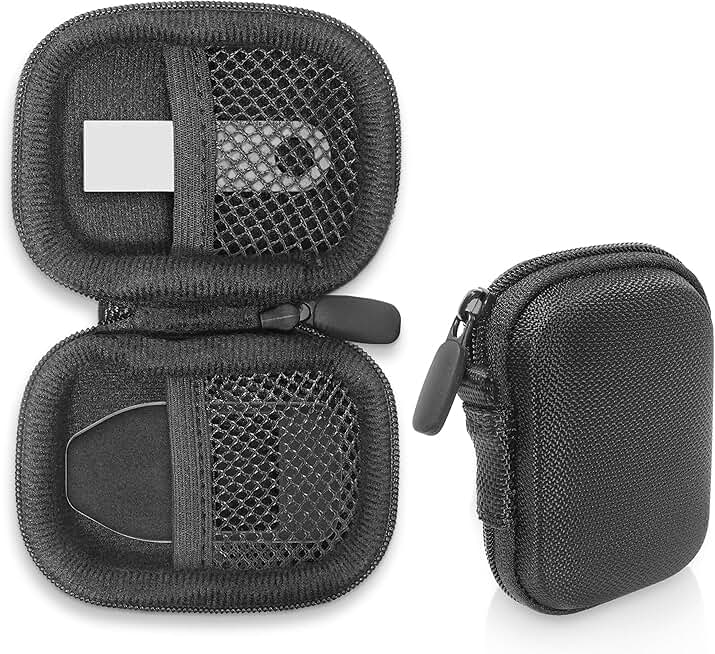


As an Amazon Associate, we may earn from qualifying purchases.
Hardware Wallet Security Features
Perpetual futures trading amplifies risk, making the security of your margin collateral the primary defense against catastrophic loss. While software-based wallets offer convenience, hardware wallets provide a physical barrier that keeps private keys isolated from internet-connected devices. This isolation is critical when interacting with complex DeFi protocols where a single smart contract exploit or phishing attempt can drain your position.
Secure Elements and Key Isolation
The core of hardware wallet security lies in the Secure Element (SE), a dedicated microchip designed to resist physical and logical attacks. When you sign a transaction for a margin trade, the private key never leaves this sealed environment. Instead, the signed transaction data is returned to your computer or phone for broadcast. This process ensures that even if your main device is compromised by malware, the attacker cannot extract your keys to steal your collateral.
Air-Gapped Verification
For high-stakes margin trading, air-gapped verification adds an essential layer of scrutiny. Devices like the Ledger Stax or Trezor Safe 3 allow you to view transaction details on a separate, offline screen. Before confirming a trade that utilizes leverage, you can verify the exact smart contract address, token amounts, and slippage settings on the device itself. This prevents "drive-by" attacks where malicious DApps attempt to approve unlimited spending rights or redirect funds to unauthorized addresses.
Protocol-Specific Protections
Different wallets offer varying levels of protection against specific DeFi risks. Some models include built-in support for major DeFi aggregators, ensuring that the interface you use to manage your margin positions is verified and tamper-proof. Others rely on third-party apps like MetaMask, which, while popular, require careful configuration to ensure the connection to your hardware wallet is secure. Always prioritize wallets that offer native integration with the platforms you use for leverage trading, reducing the attack surface for man-in-the-middle attacks.
| Security Feature | Ledger | Trezor | CoolWallet |
|---|---|---|---|
| Secure Element | Yes (CC EAL5+) | No (Open Source) | Yes |
| Air-Gapped | Yes (Bluetooth/NFC) | Yes (Model T) | Yes (Bluetooth) |
| Smart Contract Verification | Native Support | Via Third-Party | Via Third-Party |
| Phishing Protection | High | Medium | Medium |
Connect your hardware wallet to DeFi platforms
Setting up a hardware wallet for onchain perpetual margin trading requires strict adherence to security protocols. Unlike centralized exchanges where a password suffices, DeFi platforms like Hyperliquid, GMX, and dYdX demand direct custody verification. This workflow ensures your private keys never leave your device while allowing you to leverage collateral effectively.
Download the specific application (Ledger Live, Trezor Suite, or SafePal) from the manufacturer’s official website. Verify the checksum of the installer to prevent supply-chain attacks. Install the blockchain-specific app for your native asset (e.g., Ethereum, Solana) directly onto the device. Never use third-party installers or unofficial mirrors.
Activate the built-in browser on your hardware wallet. This feature allows the device to sign transaction data directly, rather than trusting a browser extension like MetaMask with your private key. For devices like Ledger, enable the "Browser" mode in settings. This ensures that every margin call or position adjustment is physically approved on the secure element.
Before interacting with any DeFi perp platform, locate the official smart contract address on the platform’s documentation or GitHub. Type this address into your hardware wallet’s DApp browser. Do not copy-paste from a web browser, as clipboard hijackers can swap addresses. Confirm the first and last four characters match the official source exactly.
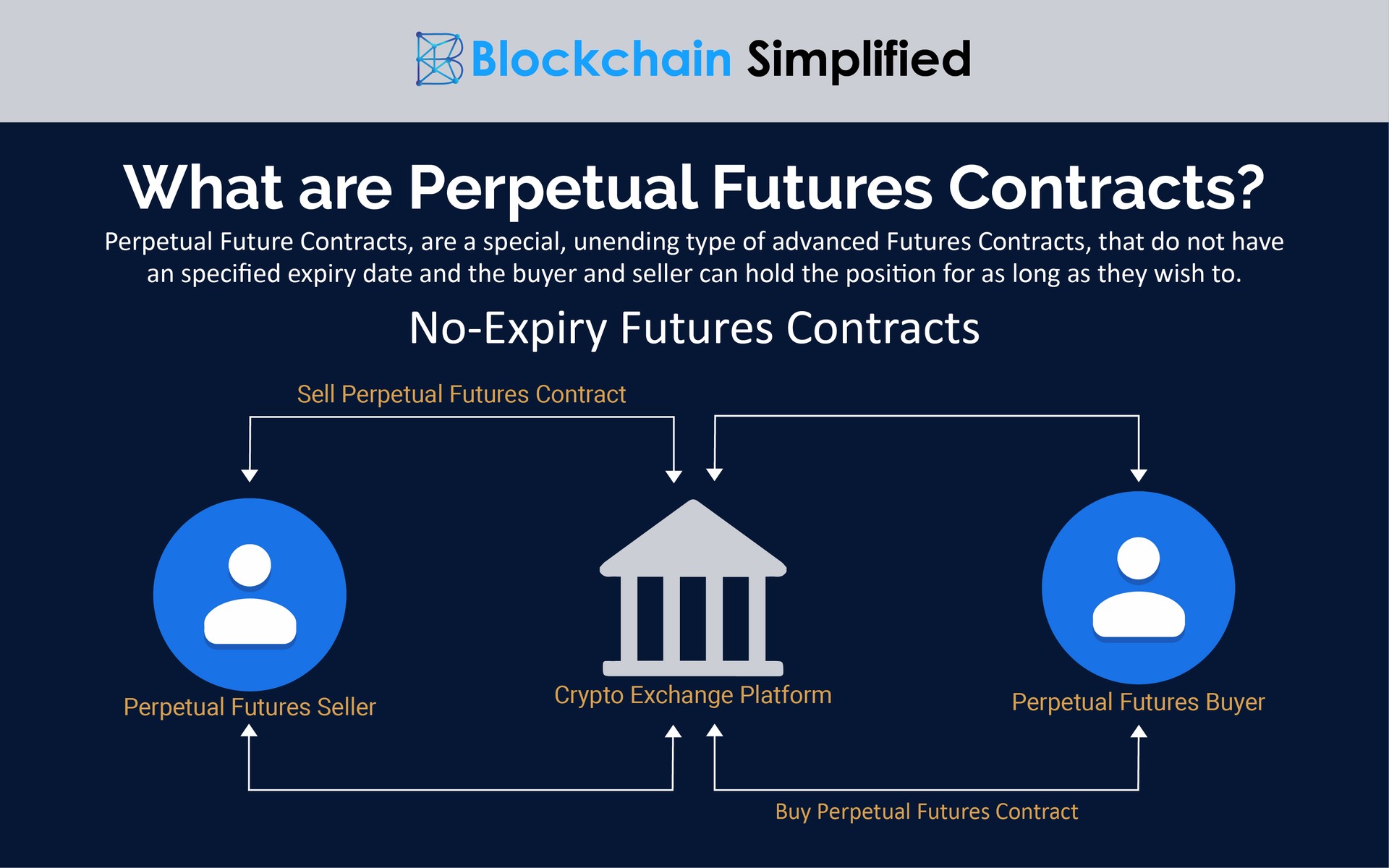
Initiate the connection from your DeFi interface. When prompted, select your hardware wallet. The platform will send a test transaction to your device. Review the transaction details on the physical screen of your hardware wallet. Approve the connection only if the network and address are correct. This step establishes a trusted session without exposing your seed phrase.
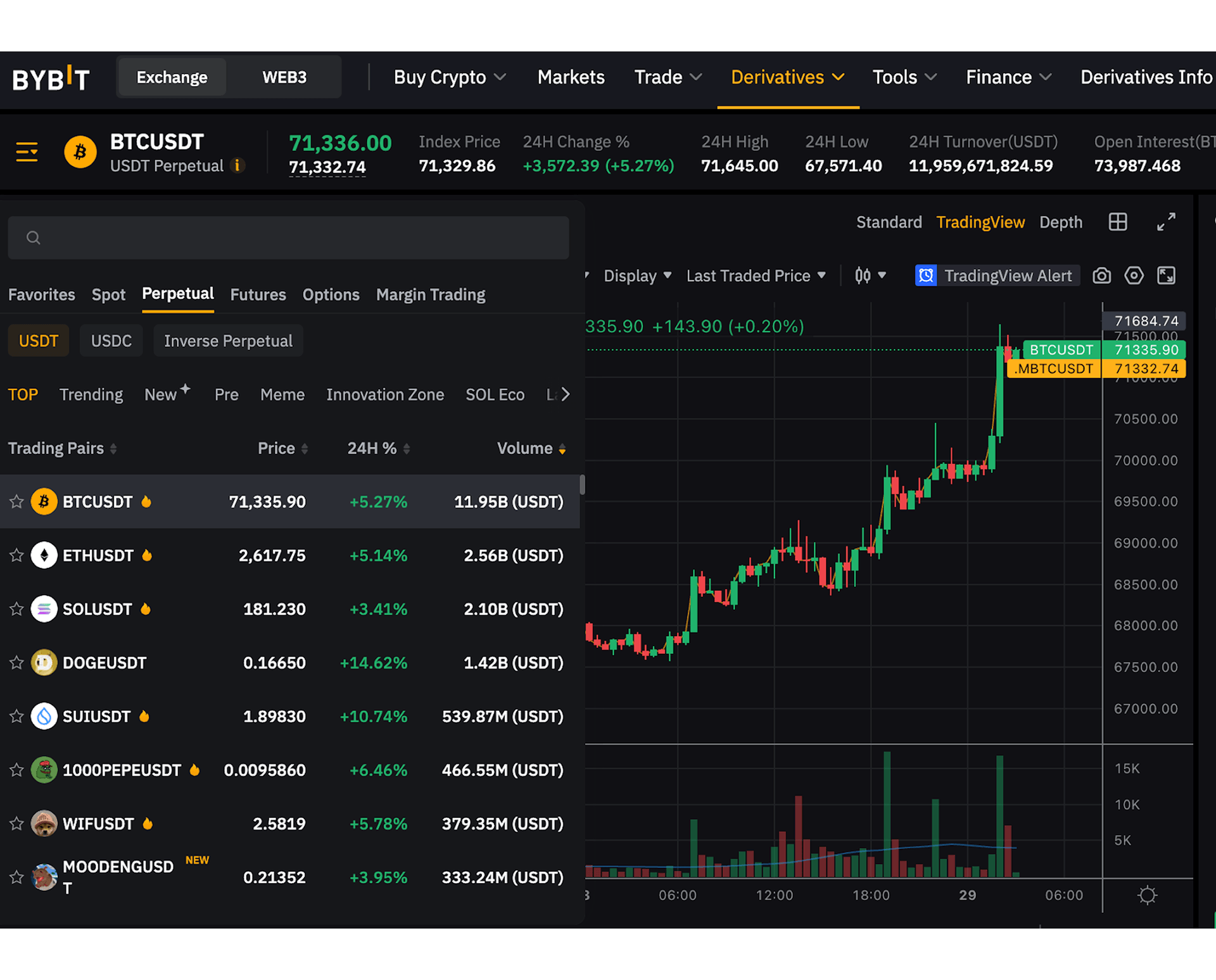
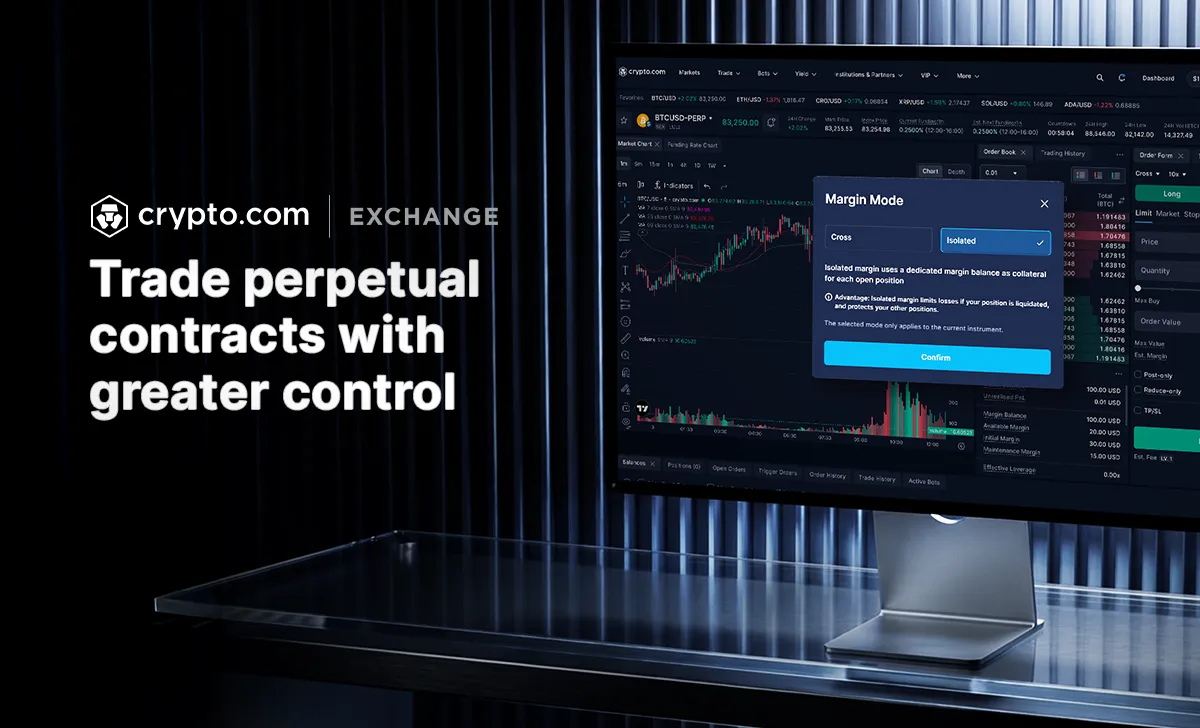
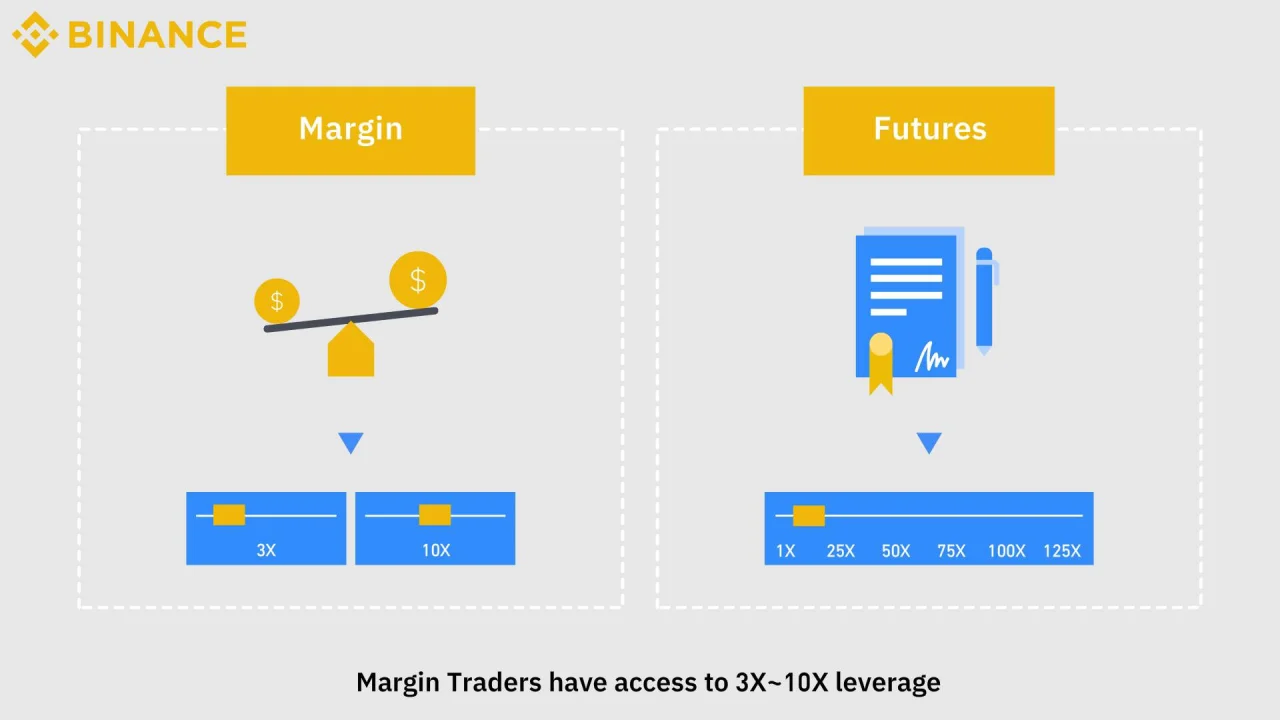
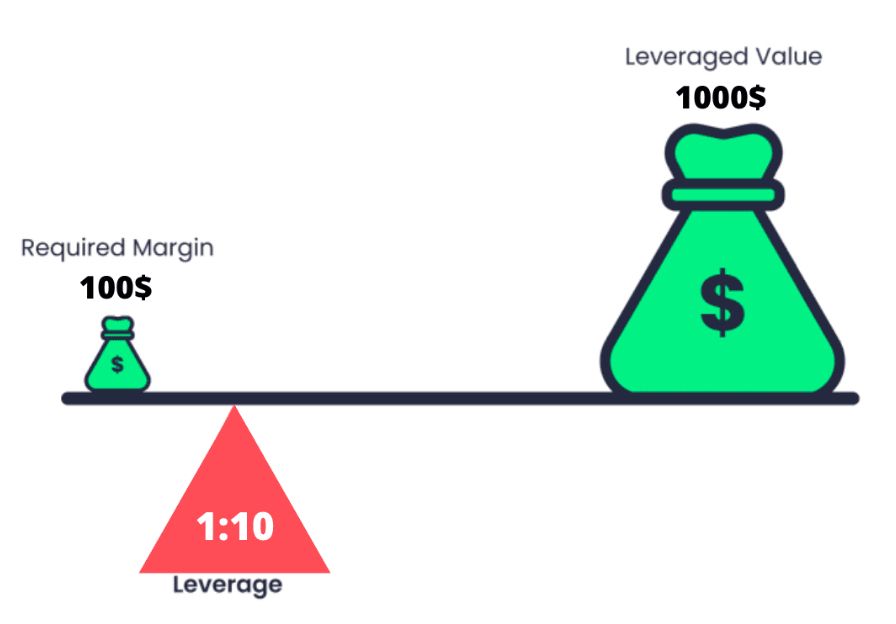
Once connected, configure your margin settings. Use isolated margin for specific positions to limit risk exposure to only the collateral allocated to that trade. This prevents a liquidation in one position from draining your entire wallet balance. Verify the margin ratio on your hardware device’s display before confirming any high-leverage entry.


As an Amazon Associate, we may earn from qualifying purchases.
No comments yet. Be the first to share your thoughts!